What Speech Recognition & Synthesis does
Speech Recognition & Synthesis is Google’s Android voice engine for turning spoken words into text and reading digital text aloud. It supports features such as voice typing, spoken navigation, translation audio and screen-reading tools. The app is mainly suited to people who use hands-free input, depend on spoken feedback or want voice functions to work consistently across Android apps.
How it is used
This is a background utility rather than a conventional app with a large standalone interface. Other Android features and third-party apps can call on it when they need speech-to-text or text-to-speech. Recognition can help with dictating messages or searches, while synthesized speech can read on-screen content, directions or translated text. Accessibility services can also use its voice output and recognition capabilities.
- Speech input: Converts spoken phrases into editable text where supported.
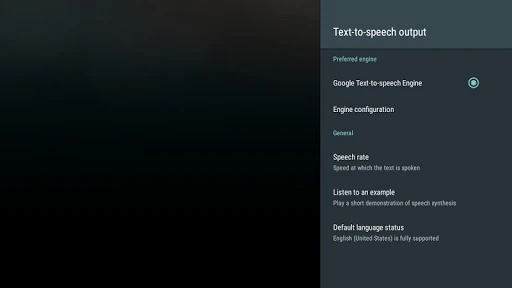
- Spoken output: Reads compatible digital content using the selected voice and language.
- App integration: Provides a shared voice engine for Android functions and applications.
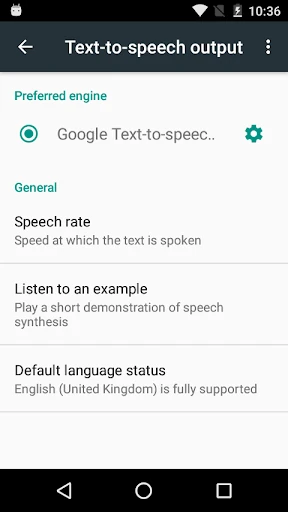
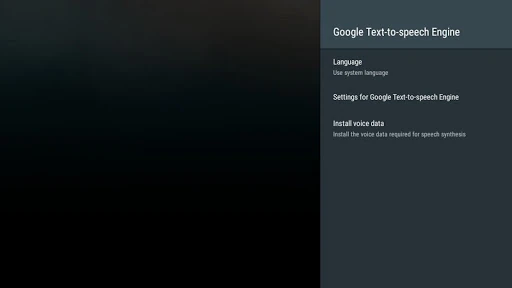
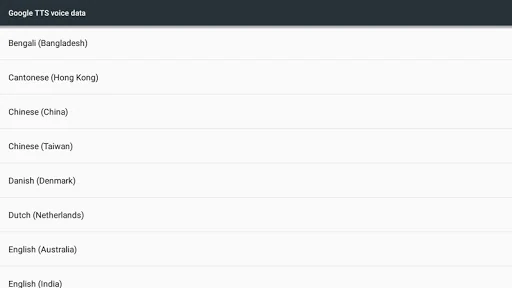
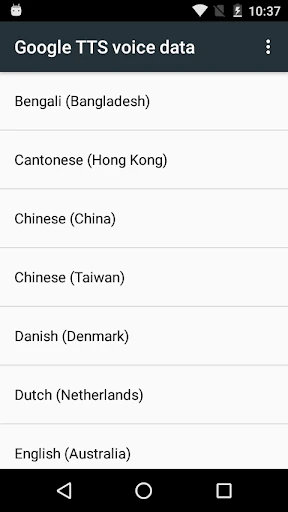
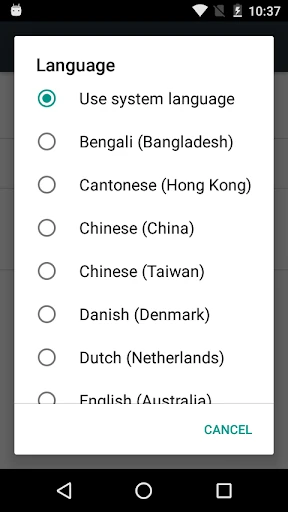
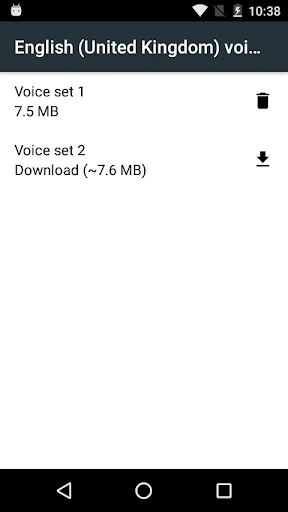
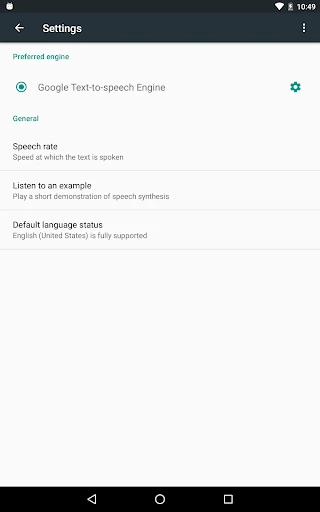
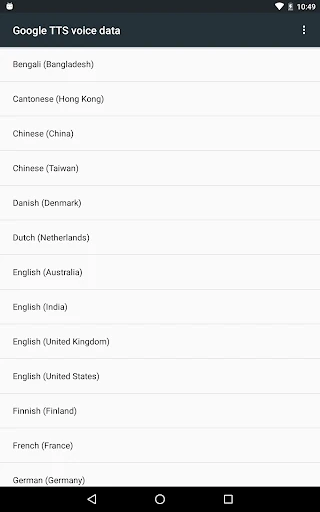
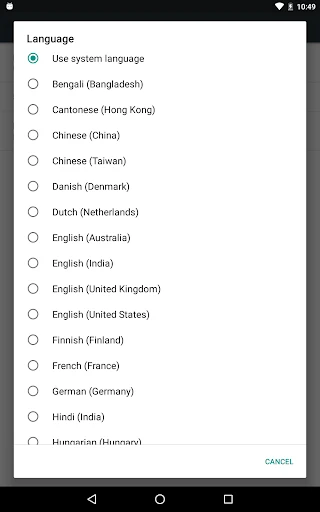
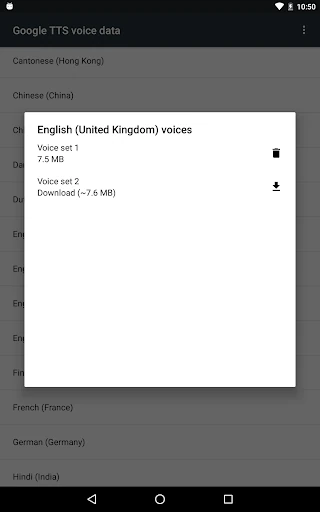
- Language controls: Language and voice options can be managed through Android’s related system settings.
Listing details
The package identifier is com.google.android.tts, and the developer string is Google LLC. It is listed in the Tools category. The recorded rating is 3.9478438 from 4,217,783 reviews, with an install range of 10,000,000,000+. These details identify the package separately from similarly named speech or accessibility utilities.
What to check before using it
Its practical value depends on which Android features and other apps are installed, as well as the languages enabled on the device. Users looking for a normal note-taking, recording or chat app may find that its role is indirect: it supplies voice capabilities to other software rather than acting as the main destination for conversations or documents.