
Advertisement
Click to download now, finish the installation quickly, and directly unlock the all-round experience
Advertisement
Screenshots
Click to download now, finish the installation quickly, and directly unlock the all-round experience
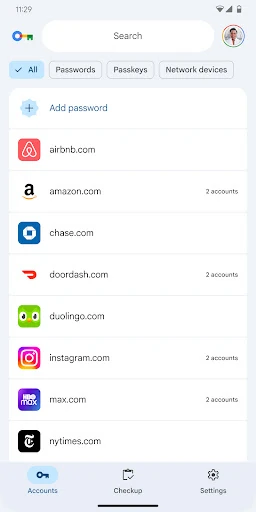
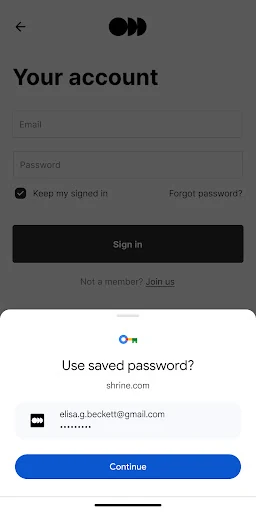
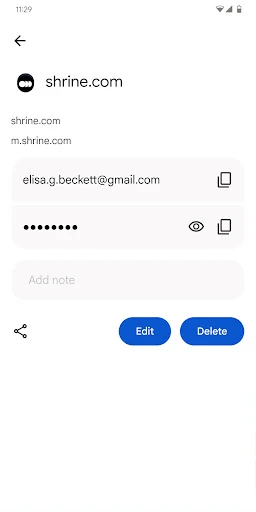
Google Password Manager stores and manages saved passwords and passkeys for Android users. It can fill sign-in details in supported apps and websites, reducing the need to type credentials repeatedly. Users can also open the manager to review, edit or remove saved entries rather than searching through individual apps.
This is mainly suited to people who use Android alongside Google services, particularly Chrome. Saved credentials can remain available across supported devices connected to the same Google account, making it useful for users who move between a phone, tablet and desktop browser. It also suits anyone who prefers screen-lock or biometric verification when using passkeys.
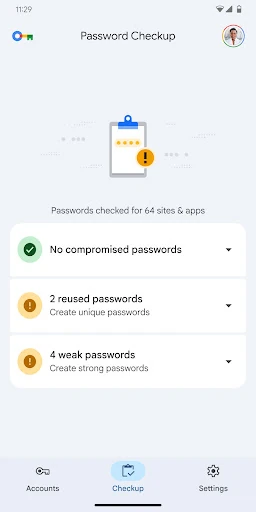
Google Password Manager is closely tied to Android and Google account services, so its usefulness depends on the account and browser setup already in use. It is a focused credential manager rather than a broad personal-information organiser: its main purpose is saving, autofilling and reviewing passwords and passkeys. The package identifier helps distinguish this entry from similarly named password tools, while the developer string confirms that it is published by Google LLC.