Advertisement
Click to download now, finish the installation quickly, and directly unlock the all-round experience
Advertisement
Screenshots
Click to download now, finish the installation quickly, and directly unlock the all-round experience
Google Family Link helps parents supervise how children use compatible Android devices and selected Google services. It suits families that want to set practical boundaries around screen time, app access, online content and account settings from a parent’s device.
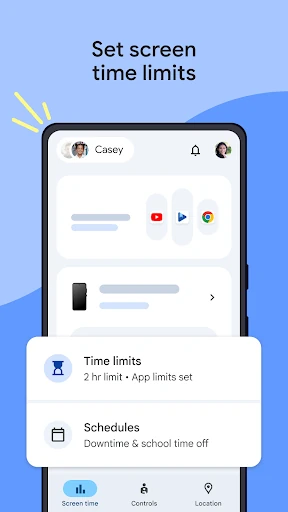
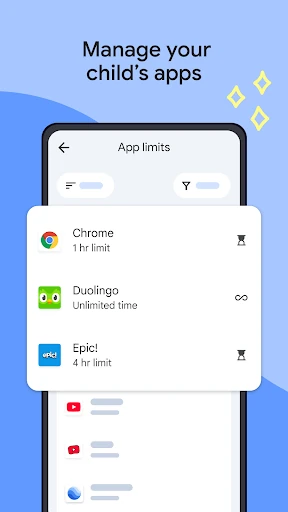
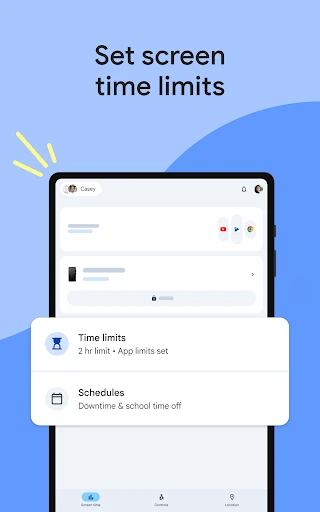
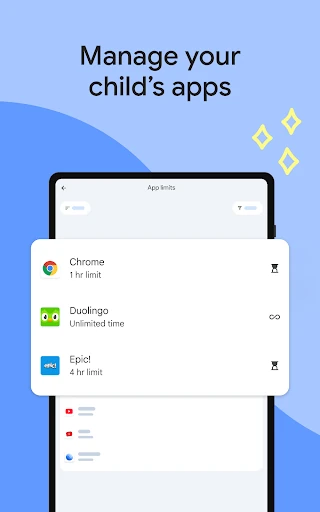
Parents can set daily device limits and create schedules such as school time or downtime. Family Link also supports controls for individual apps, including blocking selected apps or allowing extra time for educational and regularly used services.
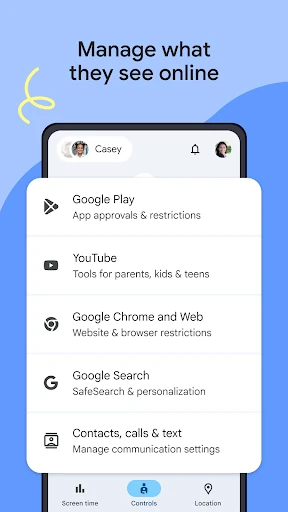
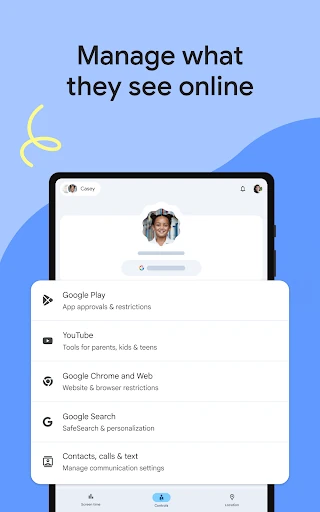
New app downloads from Google Play can require parental approval. Parents can also review app permissions and manage controls connected with services such as Chrome, YouTube, Search and Google Play. The available controls depend on the child’s device and account setup.
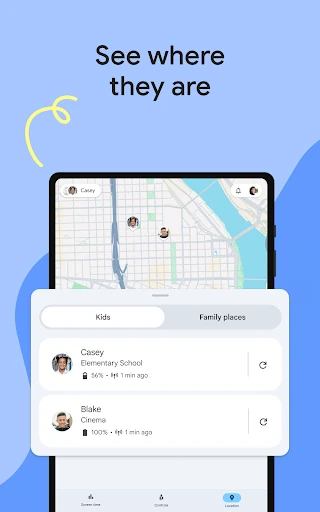
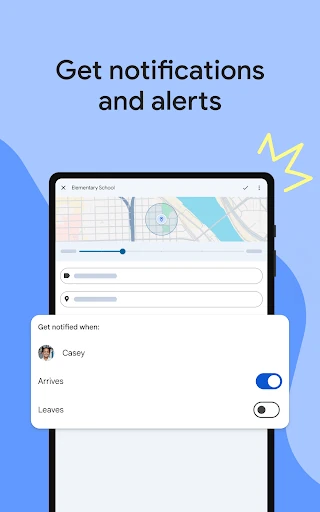
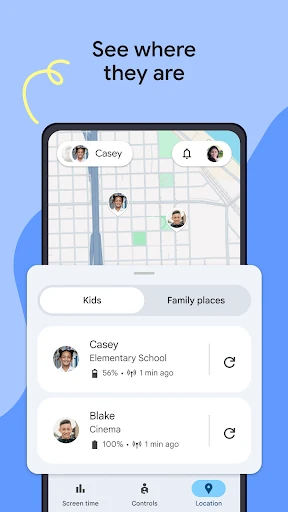
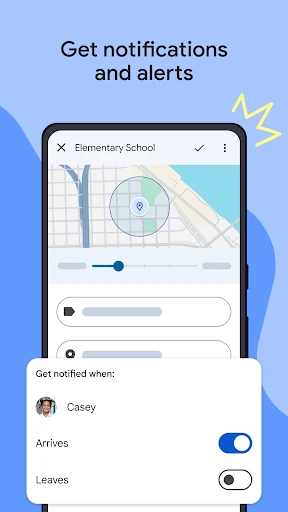
When a child is carrying a compatible device with location sharing enabled, Family Link can show its location on a map. The app can also provide alerts when a child arrives at or leaves a selected place, ring a device, and display its remaining battery level.
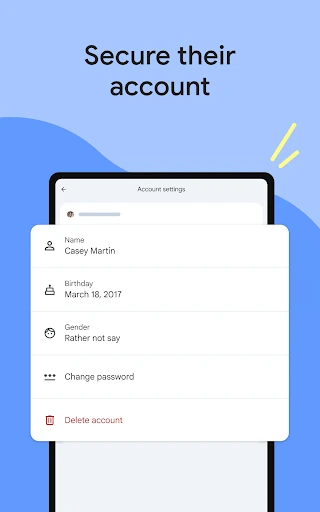
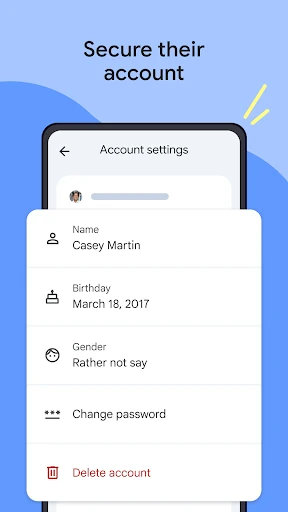
Family Link also gives parents access to parts of a child’s Google account and data settings, including password recovery and personal information controls where applicable. Children above the relevant age may manage their own account, and some features vary by device compatibility.