Advertisement
Click to download now, finish the installation quickly, and directly unlock the all-round experience
Advertisement
Screenshots
Click to download now, finish the installation quickly, and directly unlock the all-round experience
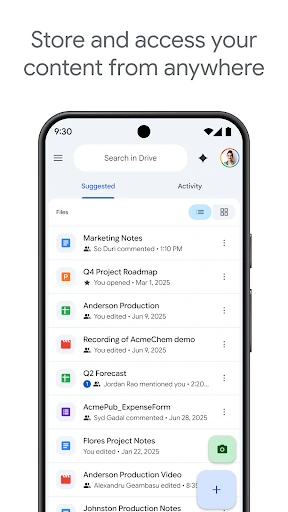
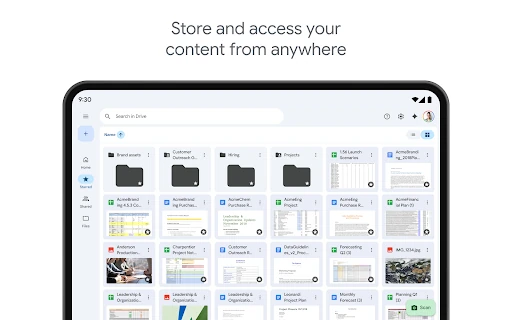
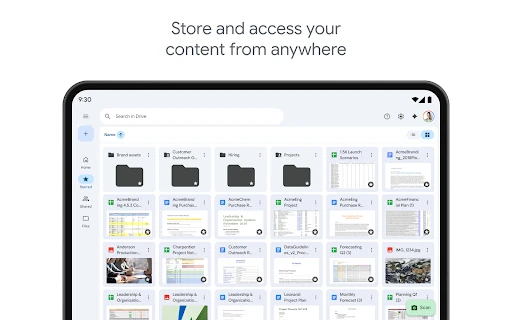
Google Drive is a cloud file storage and management app for Android. It lets users keep documents, images, videos, PDFs and other files in one place, then access them across supported devices. It suits people who need a central file library for personal documents, schoolwork, shared projects or workplace files.
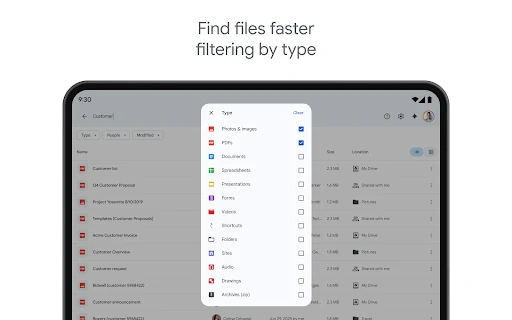
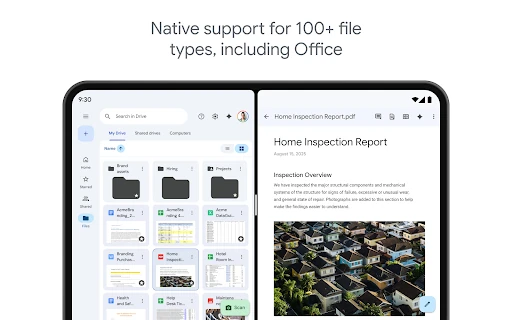
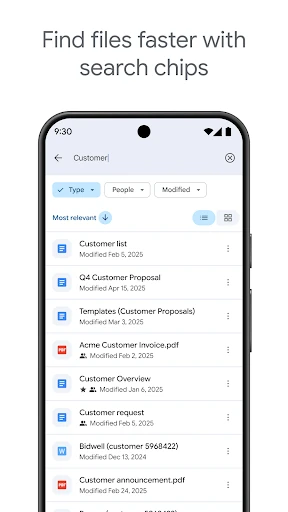
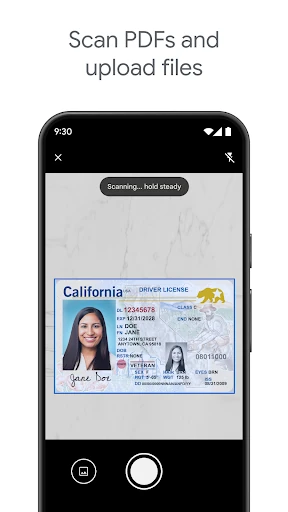
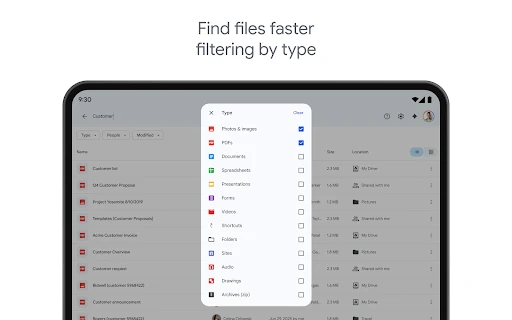
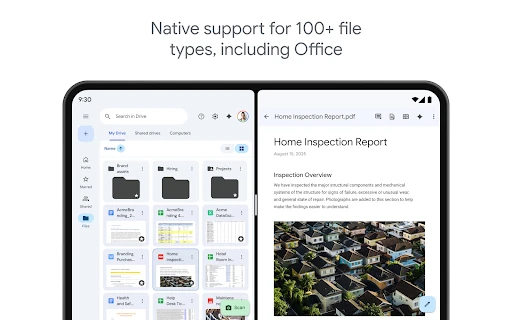
The app supports a wide range of common file types, including Microsoft Office documents and PDFs. Folder organization helps separate projects and topics, while search can be used to locate files by name or content. A camera-based scanning function also helps turn paper documents into digital copies.
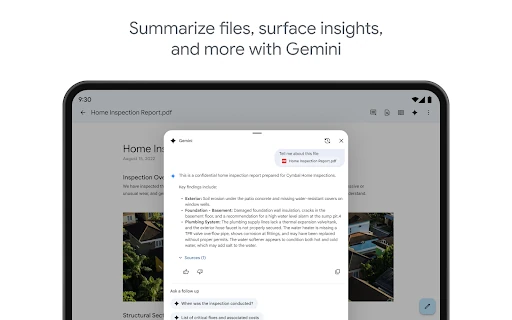
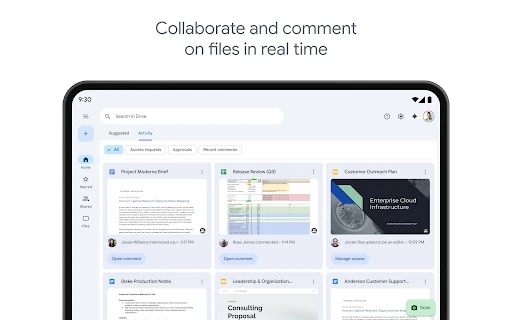
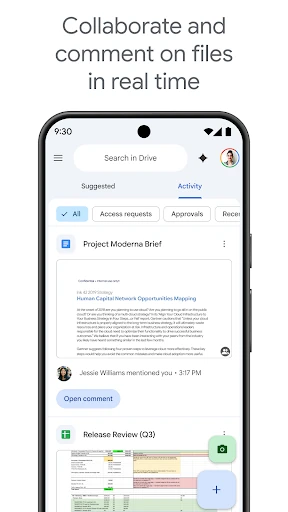
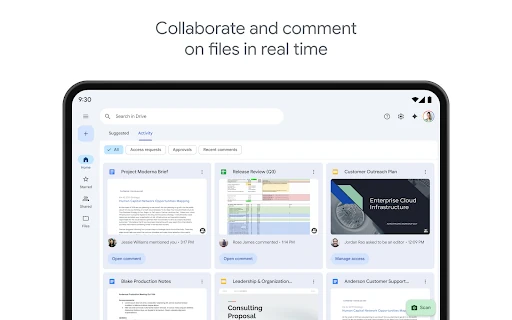
Google Drive connects with Google’s wider productivity services, making it useful for users who already work with tools such as Google Docs. Files can be shared with other people using permission controls, and activity updates can help track changes to shared material. Offline access is available for selected files, although cloud-based features depend on connectivity.
Google Drive is listed under Productivity and is published by Google LLC. Its package identifier is com.google.android.apps.docs, which distinguishes the app from similarly named file managers and storage tools. The listing records a rating of 4.283208 from 10,693,891 reviews, with an install range of 10,000,000,000+.