PDF Reader - Smart PDF Viewer
GambiSoftVn
Downloads
1,000,000+
Source
Google Play
Advertisement
Click to download now, finish the installation quickly, and directly unlock the all-round experience
Advertisement
Screenshots
Click to download now, finish the installation quickly, and directly unlock the all-round experience
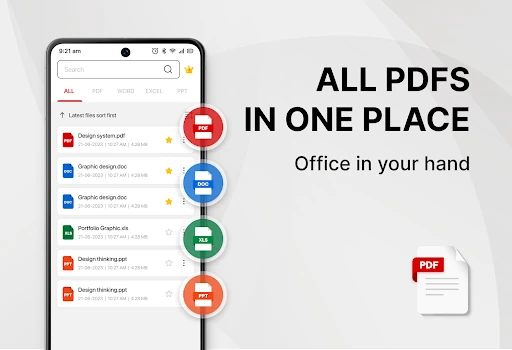
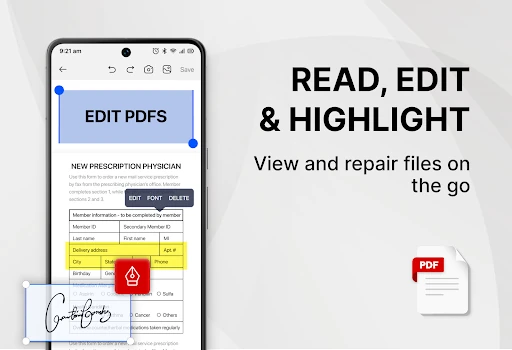
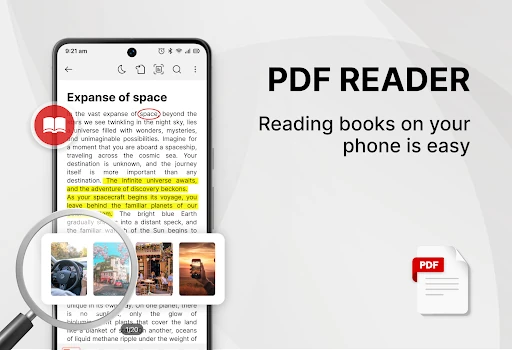
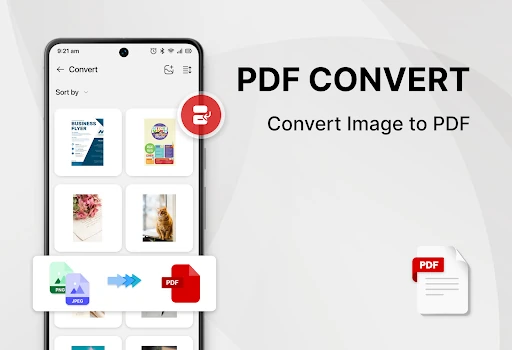
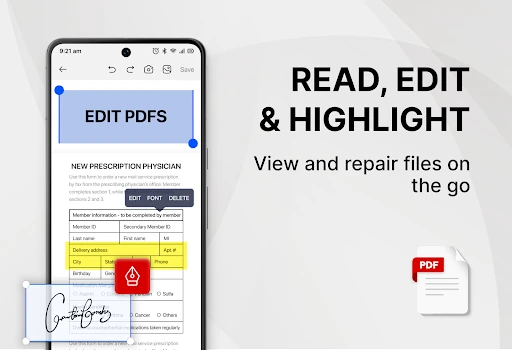
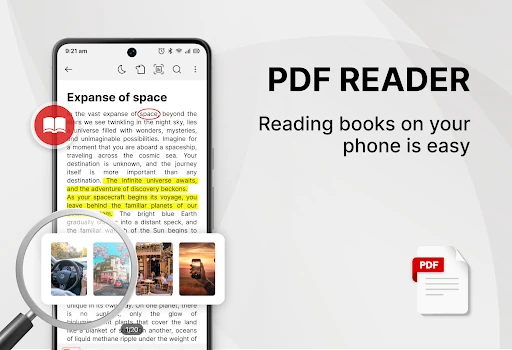
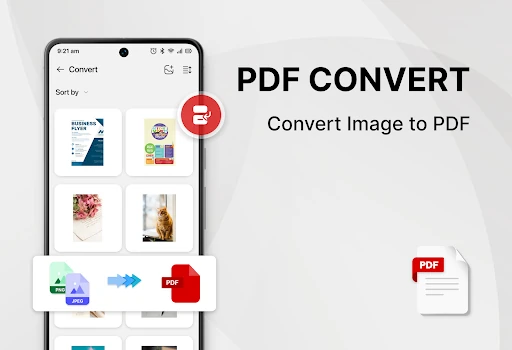
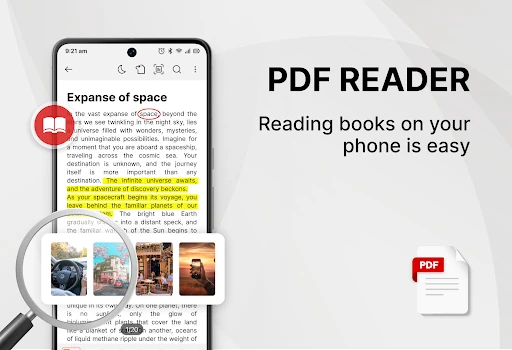
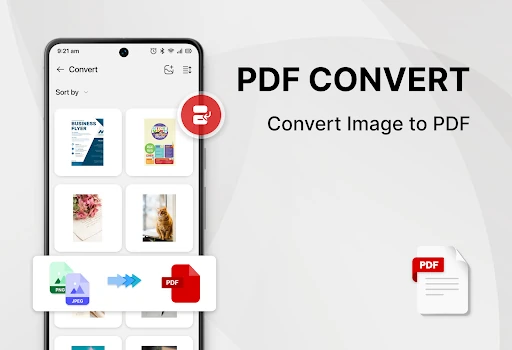
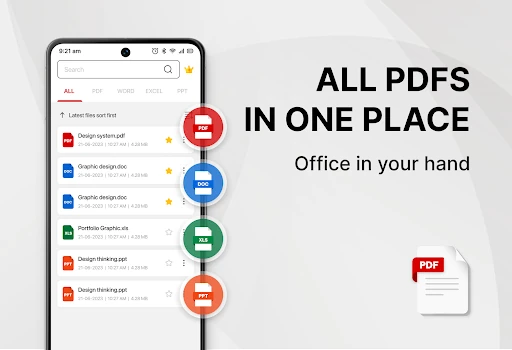
PDF Reader - Smart PDF Viewer enters a crowded Productivity market by positioning itself as a comprehensive, no-cost alternative to premium document suites. In an era where mobile document management is essential, this app distinguishes itself by consolidating viewing, editing, and conversion tools into a single package. It serves as a robust utility for users who require more than just a viewer, offering a streamlined workflow for handling professional and academic files on Android devices.
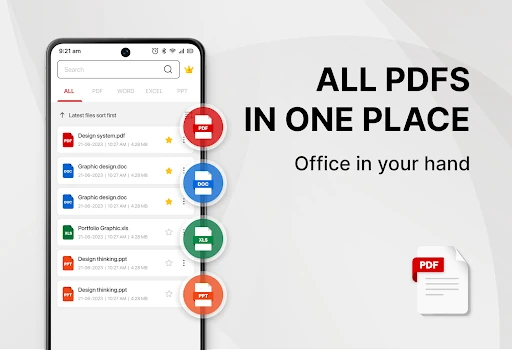
The interface of PDF Reader - Smart PDF Viewer is built on the principle of accessibility. By implementing a one-click toggle between light and dark modes, the app caters to user comfort across different lighting environments. The UI focuses on utility, featuring a recent files list that minimizes the time spent navigating folder hierarchies. While the requirement for broad storage permissions is a technical necessity for its editing capabilities, the overall UX is designed to be intuitive for users of all technical skill levels within the Productivity category.
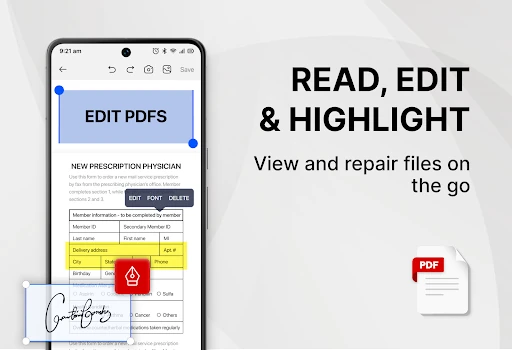
To further enhance its utility, the next update should prioritize native cloud synchronization with services like Google Drive and Dropbox. Additionally, expanding the annotation toolkit to include highlighting, freehand drawing, and sticky notes would bridge the gap between a simple viewer and a professional-grade editor.
PDF Reader - Smart PDF Viewer is an ideal solution for students, remote workers, and office professionals who require a versatile, all-in-one document assistant. It effectively bridges the gap between a simple viewer and a complex editor. For anyone seeking a cost-effective way to manage, sign, and convert documents on the go, this app is a highly recommended addition to their productivity toolkit.