Advertisement
Click to download now, finish the installation quickly, and directly unlock the all-round experience
Advertisement
Screenshots
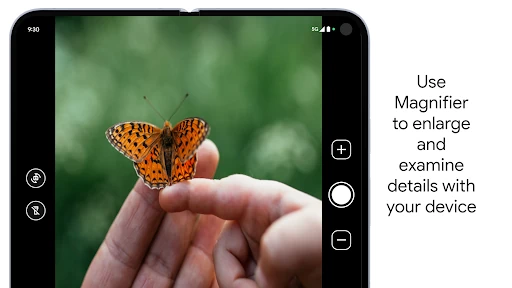
Click to download now, finish the installation quickly, and directly unlock the all-round experience
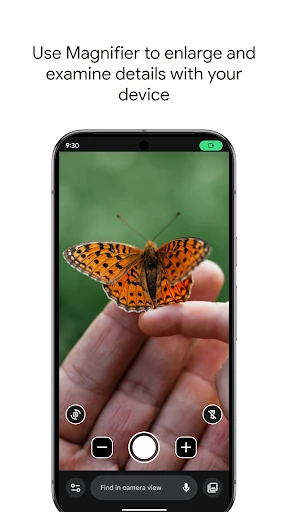
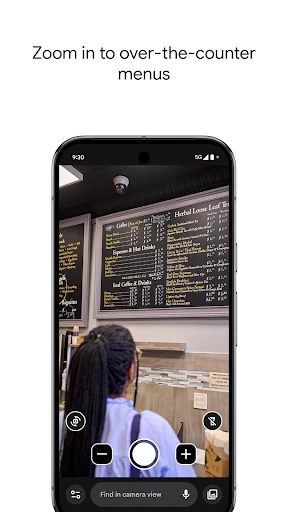
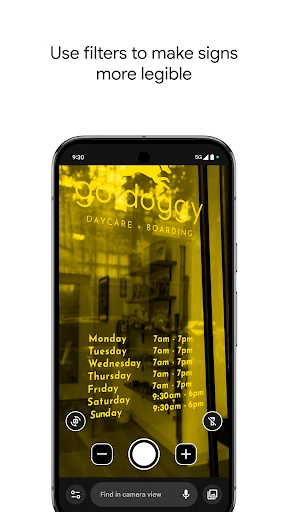
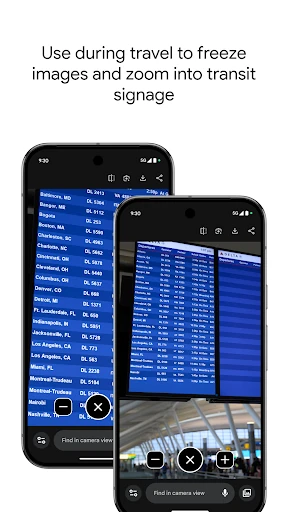
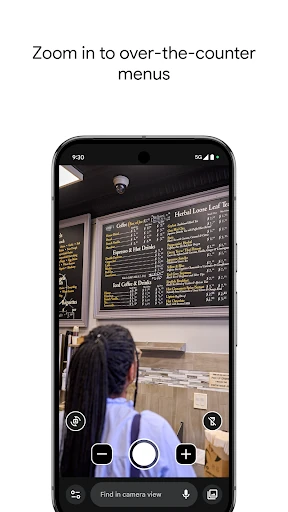
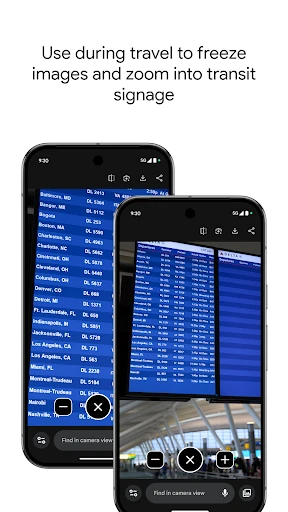
Magnifier turns a compatible Android phone into a practical viewing aid for small text, distant signs and other details that are difficult to see clearly. It is aimed at people with low vision, as well as anyone who occasionally needs help reading labels, menus, schedules or fine print. The app uses the phone’s camera view rather than functioning as a general photo tool, keeping attention on the subject being examined.
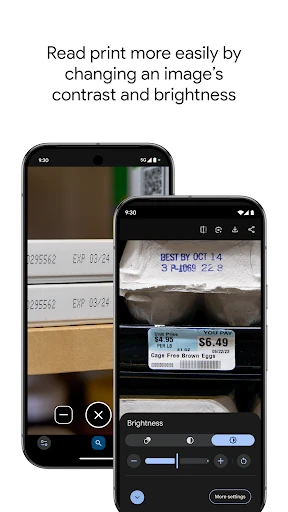
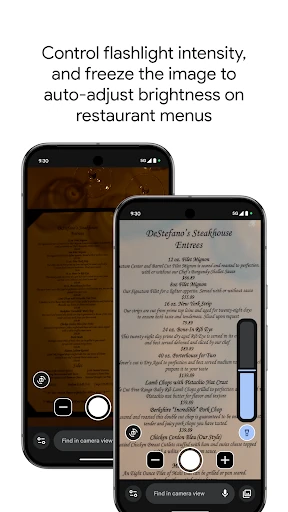
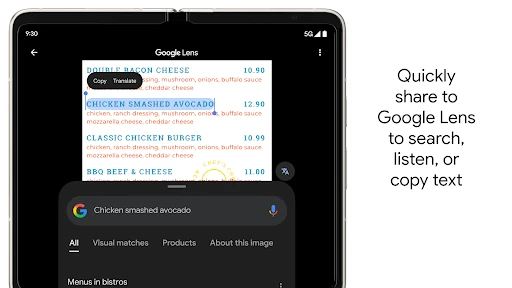
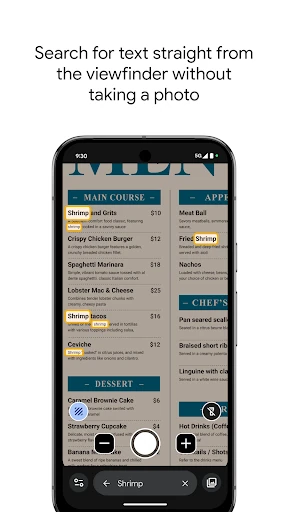
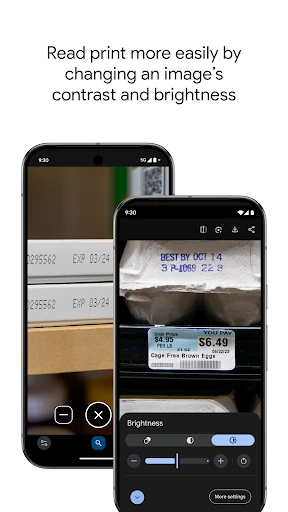
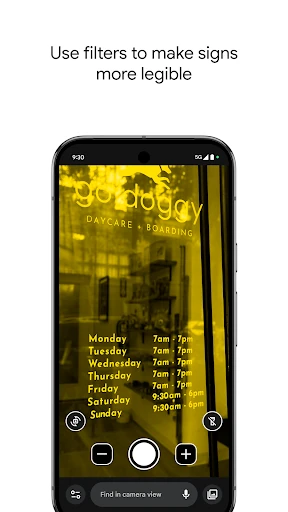
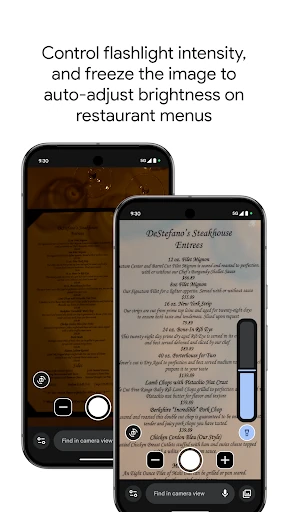
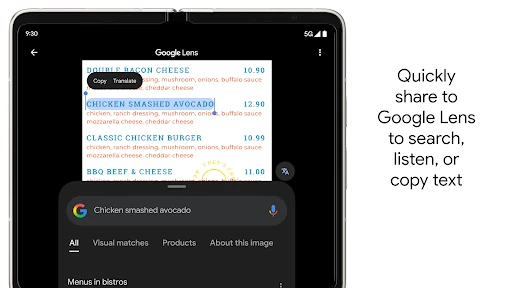
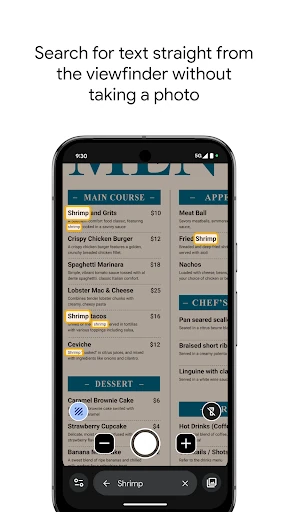
The app supports magnified live viewing and can help make low-contrast material easier to read. Its text recognition functions allow users to look for particular words in a live view or captured image, which is useful when working through dense printed information. In darker settings, brightness adjustment and flash support can improve visibility when the surrounding light is not enough.
Magnifier is best suited to users who need occasional or regular assistance with reading physical text and inspecting nearby surroundings. It can be useful at home, in shops, while travelling or anywhere printed information is too small to make out comfortably. The tool is particularly relevant on supported Pixel devices, where it is designed to work as an accessibility-focused camera utility.
This entry is identified by package com.google.android.apps.accessibility.magnifier and developer string Google LLC. It is listed under Tools, with a rating of 4.29 from 1,185 ratings. The recorded install range begins at 1+, so the available figure should be read as a catalogue minimum rather than a precise user count.