Advertisement
Click to download now, finish the installation quickly, and directly unlock the all-round experience
Advertisement
Screenshots
Click to download now, finish the installation quickly, and directly unlock the all-round experience
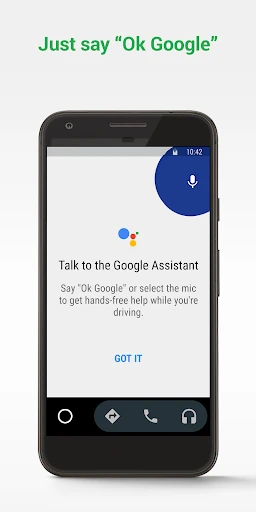
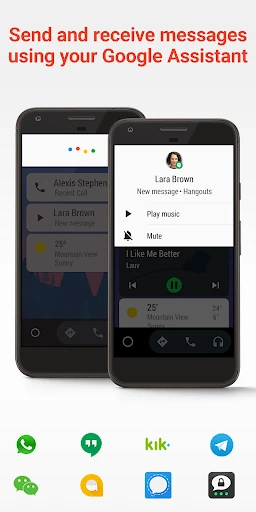
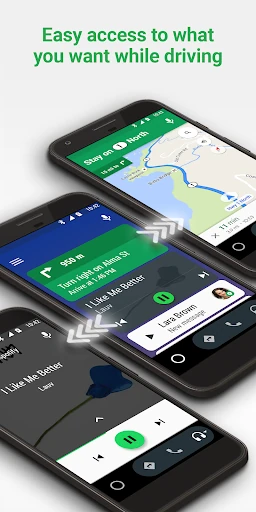
Android Auto brings selected phone functions to a compatible car display, giving drivers a simpler way to use navigation, calls, messages and supported media apps while on the road. Its interface is designed for quick glances and voice interaction rather than extended phone use. It suits drivers whose vehicles support Android Auto and who want familiar Google-connected tools at the dashboard.
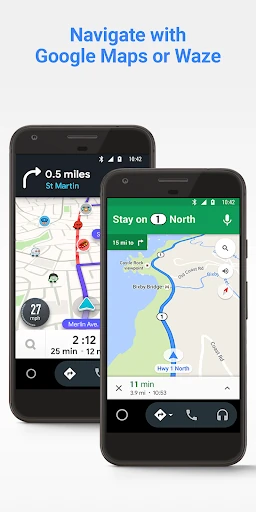
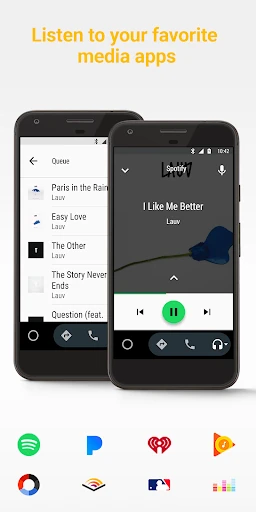
Navigation can provide directions, traffic information and route changes through supported mapping services. Voice controls help with tasks such as starting a route, placing a call or handling messages without repeatedly reaching for the phone. Music, podcasts and other audio services can also be accessed through a vehicle-friendly layout, depending on the apps installed on the device.
Android Auto depends on vehicle compatibility, phone settings and support from the apps you want to use. The available controls and display experience can therefore vary between cars and devices. It is best understood as a connection layer between an Android phone and a compatible vehicle system, not as a replacement for the car’s built-in controls or a standalone navigation unit.