
Compose Material Catalog
Google LLC
Downloads
100,000+
Source
Google Play
Advertisement
Click to download now, finish the installation quickly, and directly unlock the all-round experience
Advertisement
Screenshots
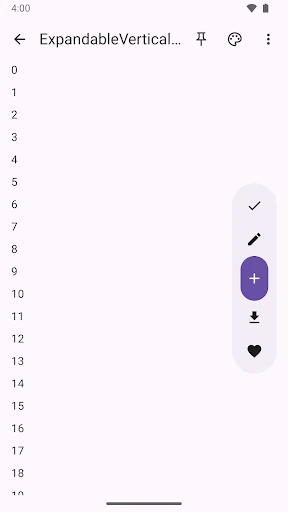
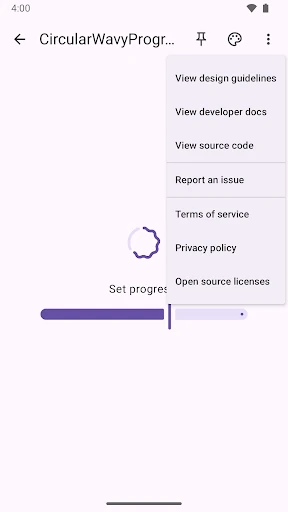
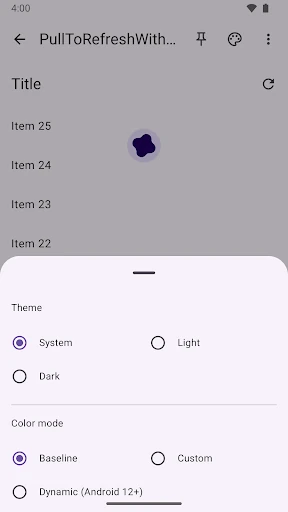
Click to download now, finish the installation quickly, and directly unlock the all-round experience
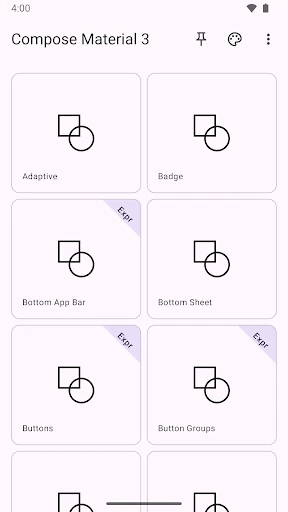
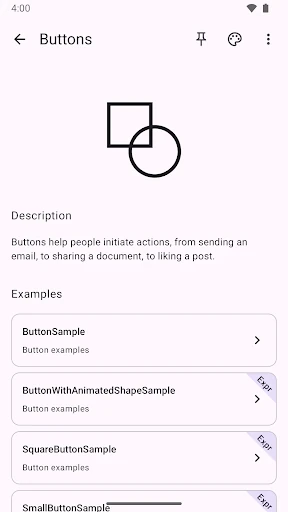
Compose Material Catalog is a reference app for Android developers working with Jetpack Compose and Material UI components. It presents interface components and examples in a running application, making it useful for checking how a component appears and behaves before building it into another project. The app is best suited to developers, UI engineers and learners who want a practical companion to Compose documentation rather than a consumer-facing application.
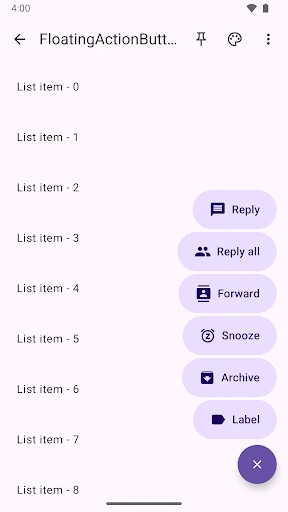
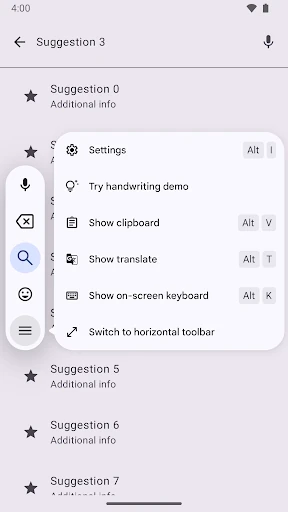
The catalog focuses on Material components as they are implemented in Compose. Its examples provide a visual way to compare layouts, controls and interaction patterns, while the surrounding catalog structure helps users move from a general component list to more specific demonstrations. This makes it useful when identifying the right component or reviewing how Material styling translates into a working Compose interface.
Compose Material Catalog is listed in Libraries & Demo and has a package identifier of androidx.compose.material.catalog. The developer string is Google LLC. It records a rating of 3.8536584 from 857 ratings, with an install range of 100,000+. These details identify the specific package and distinguish it from similarly named Compose samples or third-party component galleries.
This app is most useful during UI planning, Compose learning and component comparison. It can help a developer verify the intended appearance of Material controls or use a live example as a starting point for further investigation. It is less relevant to people looking for a general-purpose Android app, since its purpose is demonstration and reference rather than everyday consumer use.